Benchmark scores on clean PDFs predict nothing about production performance. Handwritten fields on insurance forms return transposed values, multi-column invoice layouts collapse into flat strings, and rotated logistics scans drop rows that approval engines interpret as absent data. That gap between benchmark accuracy and production accuracy is where teams find that a production OCR API must deliver structured JSON output, field-level confidence scores, and throughput that holds at volume without requiring a separate normalization layer. This list ranks which options meet that bar in July 2026, what each one does architecturally, and where each one hits its ceiling when document variability and scan quality work against the pipeline.
TLDR:
- Benchmark scores on clean PDFs predict nothing; production OCR APIs must handle handwritten fields, rotated scans, and multi-column layouts without degrading.
- APIs that return raw text without field-level confidence scores force teams to build a normalization layer before data reaches approval engines or ERP systems.
- Template-based extractors reset on every new layout variation, which is why ABBYY and Azure both require retraining cycles before variable-format documents stabilize in production.
- Tesseract has no layout model, no confidence scoring, and no managed API, so teams wire all of that themselves before it functions as a production extraction layer.
- Extend's Parse 2.0 hits 0.847 Adjusted F1 on layout accuracy and 95.7% document Q&A accuracy across 1,359 prompts, validated on RealDoc-Bench across logistics, healthcare, financial services, and real estate.
What Is an OCR API?
An OCR API converts raw document images into structured, machine-readable data by running optical character recognition over submitted files and returning extracted text, coordinates, and confidence scores through a REST endpoint. Teams call the API, receive JSON output, and feed that output into downstream systems like LLM reasoning layers, approval engines, or ERP ingestion pipelines. Where traditional OCR stops at text extraction, production-grade OCR APIs handle layout detection, table parsing, multi-page context, and field-level confidence scoring, which is why they serve as the extraction layer that makes automated document extraction workflows possible.
How These OCR APIs Were Ranked
Ranking OCR APIs requires moving past headline accuracy numbers and into how each system holds up under production conditions. The criteria below reflect what actually breaks at scale.
- Extraction accuracy on real documents: Benchmark scores on clean, typed PDFs tell teams very little. The meaningful signal comes from handwritten fields, multi-column layouts, rotated scans, and low-resolution faxes. APIs that train on synthetic data degrade fast when production documents arrive. Independent OCR accuracy benchmarks show leading solutions ranging from 55% to 96% on real document sets, a spread that makes pre-production testing on actual inputs non-negotiable.
- Structured output quality: Raw text extraction solves only part of the problem. APIs that return structured JSON with field-level confidence scores feed directly into downstream automation without an intermediate normalization layer.
- Latency and throughput at volume: Single-document demos are not predictive. Teams running high-volume pipelines need documented rate limits, async processing options, and benchmark latency under load before committing to an API.
- Integration surface and developer experience: Time to first working extraction matters. REST API quality, SDK availability, and webhook support determine whether a team ships in days or weeks.
- Pricing model under production volume: Per-page pricing compounds fast at scale. Teams should model total cost against real monthly page volumes before treating a free tier as representative. Teams selecting IDP tools should factor these costs in early.
Best Overall OCR API: Extend
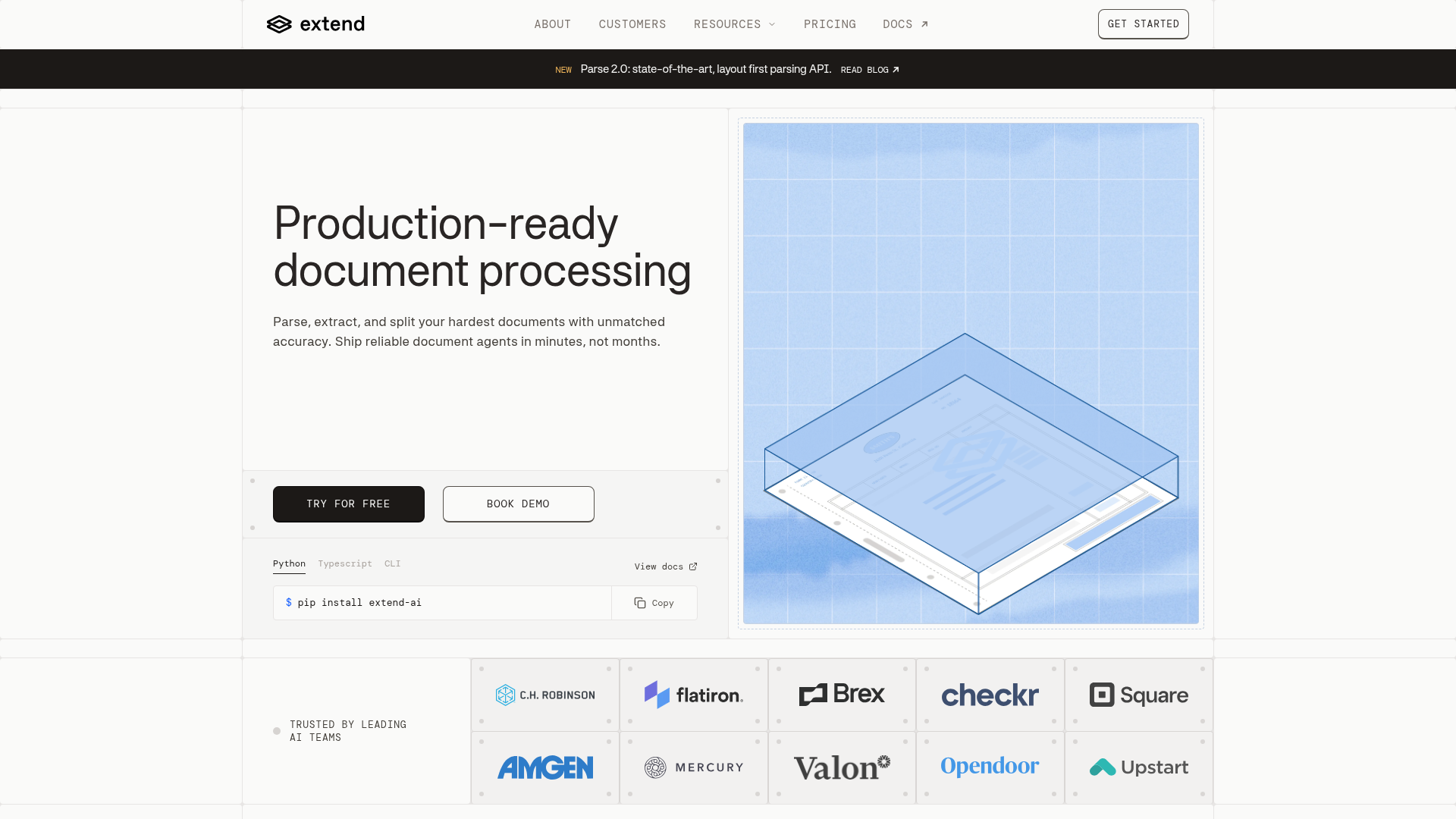
Extend is the complete document processing toolkit comprised of the most accurate parsing, extraction, and splitting APIs to ship your hardest use cases in minutes, not months. Extend's suite of models, infrastructure, and tooling is the most powerful custom document solution, without any of the overhead. Agents automate the entire lifecycle of document processing, allowing your engineering teams to process your most complex documents and optimize performance at scale.
The core of Extend's OCR API is Parse 2.0, a next-generation parsing engine validated on the RealDoc-Bench benchmark across logistics, healthcare, financial services, and real estate documents. Parse 2.0 leads on layout accuracy with an Adjusted F1 of 0.847 across 1,500 samples and hits 95.7% document Q&A output accuracy across 1,359 prompts and 581 documents. Those results are available on the RealDoc-Bench benchmark page.
Azure AI Document Intelligence
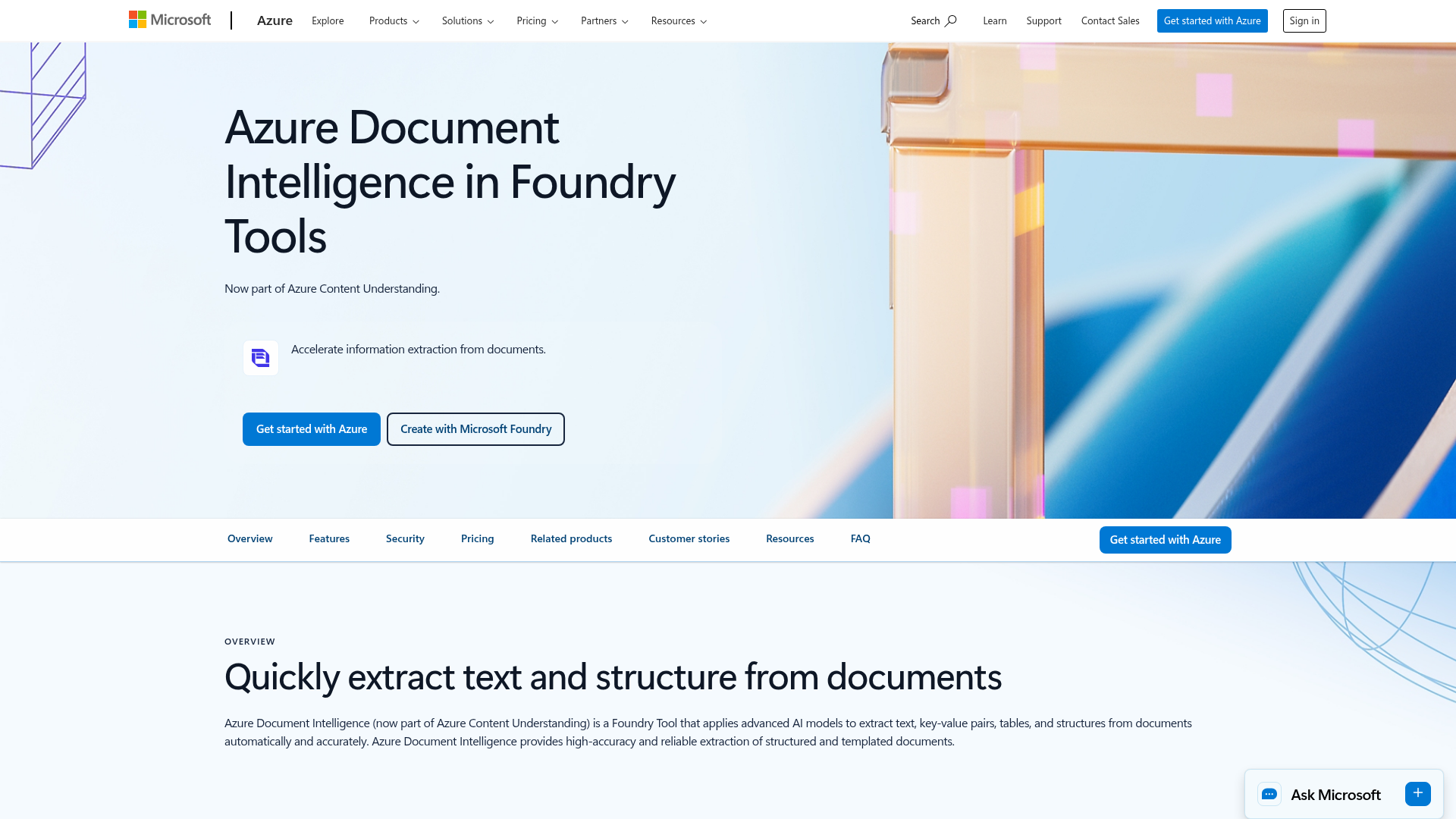
Azure AI Document Intelligence is Microsoft's OCR and document extraction service, handling forms, invoices, receipts, and identity documents through prebuilt models with custom model training available for domain-specific layouts, returning structured JSON through straightforward integration paths for teams already running Azure Cognitive Services, Azure Functions, or Logic Apps. It fits teams committed to Azure-native architectures processing standard document types where the prebuilt models cover the input set. Less common layouts or heavily variable formats require custom model training that resets the timeline on every new format, page and file size limits per API call add batching overhead at high volume, and downstream field normalization often requires extra mapping work before data reaches approval engines or ERP systems, gaps that Extend's Parse 2.0 and built-in evaluation framework close without a separate vendor or custom build.
Google Document AI
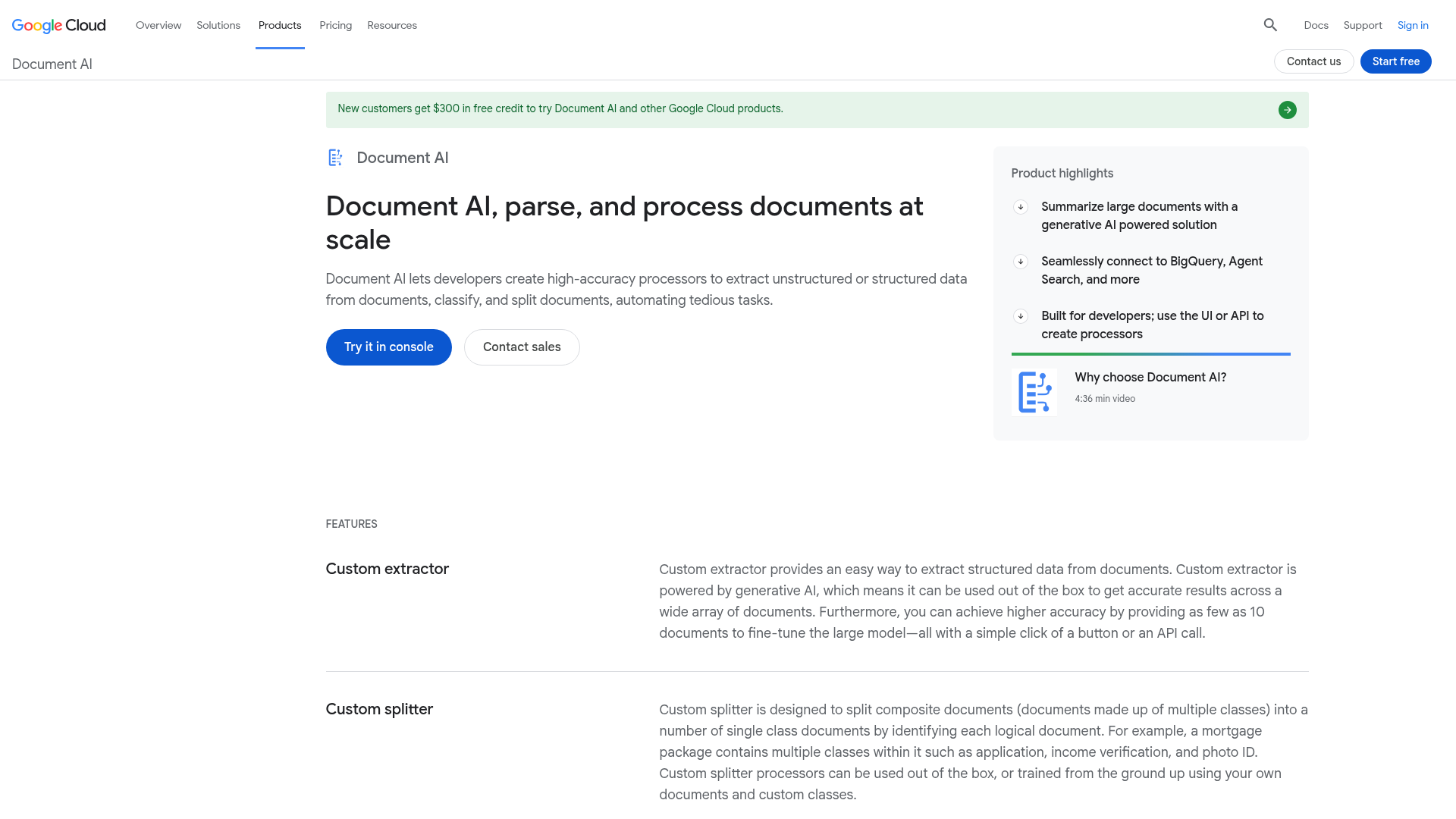
Google Document AI is Google's enterprise OCR and document processing service, shipping pre-trained processors for common document types like invoices, W-2s, and driver's licenses alongside a custom processor builder for proprietary layouts, with REST and gRPC APIs returning structured JSON and field-level confidence scores. It fits teams deeply embedded in Google Cloud infrastructure running workloads on BigQuery, Cloud Storage, or Vertex AI and processing well-structured, high-volume document types where the pre-built processors cover most of the input set. The pre-built processors reset on anything that deviates from their training distribution, so mixed document pools hit accuracy degradation without retraining, and custom processor training requires labeled data at scale, adding meaningful setup time before extraction results stabilize, gaps that Extend's Composer agent and built-in evaluation framework close without a retraining cycle.
Reducto
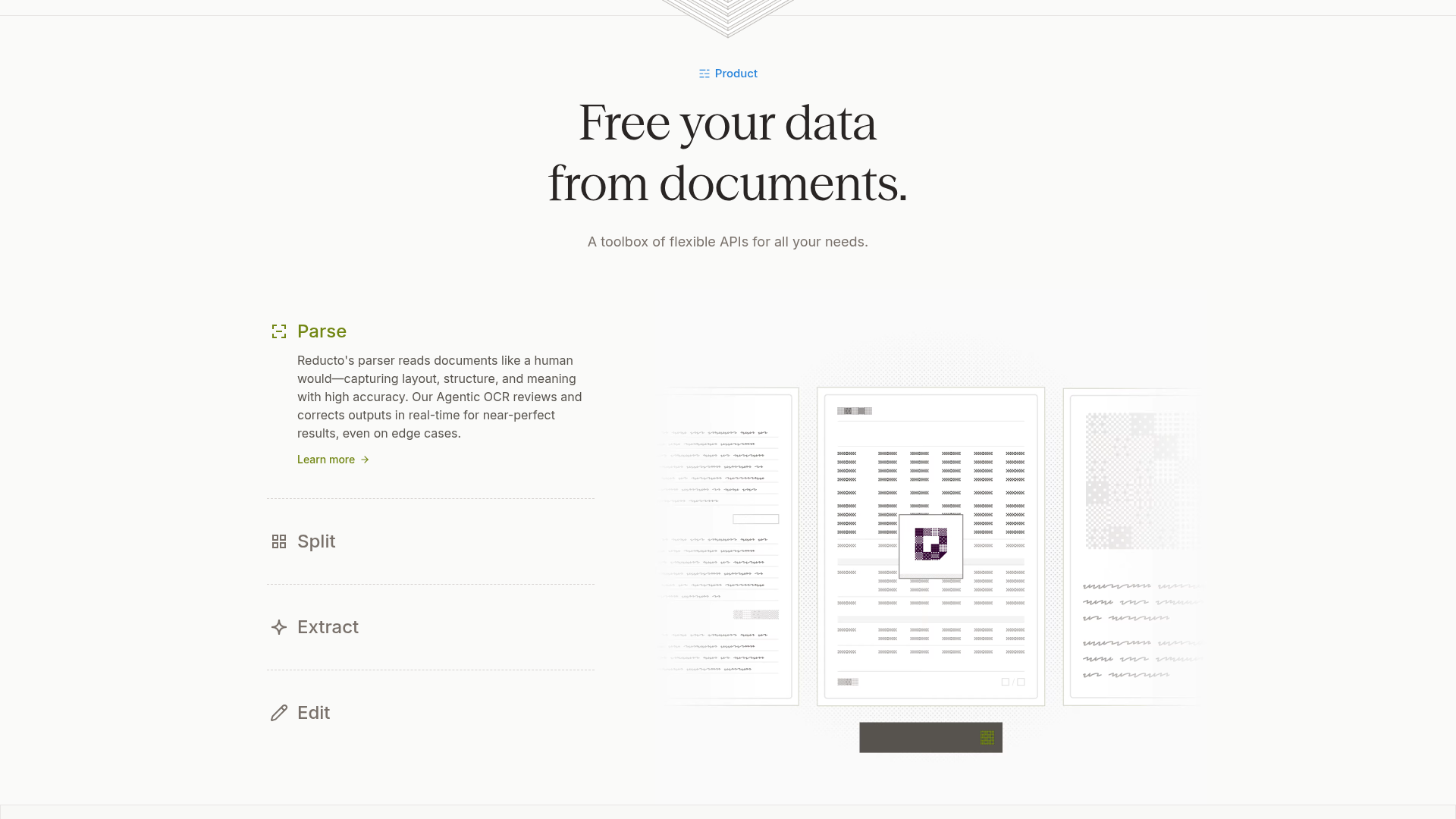
Reducto is a developer-first agentic document platform covering parsing, classification, splitting, extraction, and form-filling through a REST interface with Python, Node.js, and Go SDKs, supporting 30+ file types and 100+ languages with SOC 2 Type II and HIPAA compliance, BAAs available, and VPC, on-premises, and air-gapped deployment options for compliance-sensitive environments. It fits developer teams processing standard document types like invoices, contracts, and forms who prototype on a credit-based, pay-as-you-go model before committing to volume. Reducto ships no public benchmark that validates its accuracy claims against a named, independently reproducible methodology the way RealDoc-Bench does, and the platform doesn't ship schema versioning, agentic schema optimization, or a built-in evaluation framework, so teams that need benchmark-backed accuracy numbers or those specific capabilities will hit that ceiling before raw extraction quality becomes the limiting factor.
Tesseract
Tesseract is an open-source OCR engine originally developed by HP and now maintained by Google. Teams building lightweight document pipelines with predictable layouts and clean scan quality often reach for it first because the price is right: free. Teams with more complex needs often compare PDF parsing APIs for complex documents before committing.
The architectural tradeoff shows up fast in production. Tesseract runs character-level recognition on a static image; it has no layout model, no context graph, and no field resolution layer. When documents vary in format, scan quality drops, or tables span multiple columns, error rates climb and corrections land in a manual review queue. Independent analysis of Tesseract's production limitations confirms it struggles with complex layouts, handwritten text, and variable scan quality, the exact conditions that define most enterprise document pipelines.
There is also no managed API, no confidence scoring infrastructure, and no human-in-the-loop review layer. Teams wire all of that themselves, which is why Tesseract works as a component inside a larger pipeline but rarely as the extraction layer for production document workflows at scale.
ABBYY Document AI
ABBYY Document AI is a mature OCR and document processing suite covering a wide range of document types through SDKs for Python, C#, TypeScript, and Java alongside REST APIs for cloud-based workflows, with an extraction model that relies heavily on template configuration and layout recognition refined over many product generations. It fits environments with stable, predictable document formats where legacy integrations and on-premise deployment options carry weight, such as compliance-heavy industries with existing ABBYY contracts. Layout variation across vendor invoices or multi-jurisdiction forms requires ongoing template maintenance, so teams running high-volume pipelines hit template drift before the first quarter ends, a gap that Extend's agentic schema optimization closes without manual template rebuilds.
Feature Comparison Table of OCR APIs
The table below maps each API against the capabilities that determine production readiness. Values reflect publicly available documentation and the product details covered in each section above.
| Capability | Extend | Azure Document Intelligence | Google Document AI | Reducto | Tesseract | ABBYY Document AI |
|---|---|---|---|---|---|---|
| Parsing Accuracy Benchmark | Yes (RealDoc-Bench) | No public benchmark | No public benchmark | No public benchmark | No public benchmark | No public benchmark |
| Multi-Mode Processing | Yes (Fast, Cost, Accuracy) | Partial (sync/async only) | Partial (sync/async only) | No | No | No |
| Schema Versioning | Yes | No | No | No | No | No |
| Dedicated Classification API | Yes | Yes | Yes | Yes | No | Yes (document sorting) |
| Agentic Schema Optimization | Yes | No | No | No | No | No |
| Built-In Evaluation Framework | Yes | No | Partial (custom processor evaluation) | No | No | No |
| Human-in-the-Loop Review UI | Yes | Partial (Studio labeling UI) | Yes (Document AI HITL) | No | No | No |
| Form Filling (Edit API) | Yes | No | No | Yes | No | No |
| SOC2 / HIPAA / GDPR | Yes | Yes | Yes | SOC2, HIPAA | No | Yes |
| Self-Hosted / On-Premises | Yes | Partial (container) | No | Yes | Yes | Yes |
Why Extend Is the Best OCR API
Raw OCR accuracy is table stakes. Every API on this list extracts text; where they diverge is in what surrounds extraction: structured output quality, throughput at volume, integration surface, and how the system behaves when confidence drops.
Extend is the only option here that ships benchmark-validated parsing accuracy on real-world documents, multi-mode processing, agentic schema optimization, a built-in evaluation framework, and human-in-the-loop review as a single unified stack; the Parse API powering AI document agents is the infrastructure layer behind all of it. Those are exactly the criteria this list was ranked against, and Extend is the only API where none of them require a separate vendor or a custom build to wire together.
Final Thoughts on Selecting OCR APIs for Real Workloads
The gap between demo accuracy and production accuracy is where most OCR API decisions go wrong. Teams that test on real documents with variable layouts, degraded scans, and multi-page context find the ranking above holds up fast. Match your document types to the right extraction architecture before volume makes switching expensive. Start with Extend if your use case requires the full stack working together from day one.
FAQ
How do I choose the right OCR API from this list for my production document workflows?
Start with your document variability. If your pipeline processes fixed-format, standardized documents at high volume inside an existing cloud ecosystem, Azure Document Intelligence or Google Document AI fit. If your documents span multiple formats, contain handwriting, tables, or multi-page context dependencies, or require confidence scoring and human-in-the-loop review without wiring those layers yourself, Extend is the right starting point. Test every candidate against your actual production documents, not clean demos.
Is Extend better than Reducto for complex, variable-layout document extraction?
For variable-layout documents, Extend has more architectural depth. Reducto just focuses on core extraction workflows through a clean REST interface, which works for standard invoices, contracts, and forms. Extend ships agentic schema optimization, multi-pass confidence scoring via the Review Agent, a built-in evaluation framework, and the Edit API for form filling, all in a single stack. Teams processing documents with irregular layouts, cross-page entity resolution, or mission-critical accuracy requirements will hit Reducto's ceiling before volume demands do.
When should teams use Tesseract versus a managed OCR API like Extend or Google Document AI?
Tesseract fits single-column, high-resolution scans with consistent fonts where cost is the constraint and accuracy requirements are low. The moment documents include multi-column layouts, handwriting, merged table cells, or variable scan quality, error rates climb past any usable threshold and corrections land in a manual review queue. Tesseract has no managed API, no confidence scoring, and no human-in-the-loop layer; teams wire all of that themselves, which moves the real cost from licensing to engineering hours.
What does Extend's Parse 2.0 benchmark actually measure, and why does it matter for comparing OCR APIs?
Most OCR APIs publish no public benchmark. Parse 2.0 was validated on RealDoc-Bench, a benchmark measuring parsing performance on real-world documents across logistics, healthcare, financial services, and real estate, not synthetic datasets. It scores 0.847 Adjusted F1 on layout accuracy across 1,500 samples and 95.7% document Q&A output accuracy across 1,359 prompts and 581 documents. Those numbers matter because they reflect the document types teams actually process in production, where layout variability and edge cases determine whether extraction holds up at scale. The full benchmark methodology and datasets are published on the RealDoc-Bench benchmark page.
Is Google Document AI or Azure Document Intelligence the better choice for teams not embedded in either cloud ecosystem?
Teams without existing Google Cloud or Azure commitments will find both options introduce ecosystem dependencies that add friction. Google Document AI performs well on standardized, high-volume document types inside GCP infrastructure; accuracy degrades on documents that deviate from prebuilt processor training distributions, and custom processor training requires labeled data at scale. Azure Document Intelligence follows a similar pattern: reliable on standard forms, but variable layouts require custom model training that resets timelines on every new format. Neither ships a built-in evaluation framework, agentic schema optimization, or human-in-the-loop review, so teams building multi-format pipelines end up wiring those layers separately regardless of which cloud they choose.