Parse API
Turn any document into markdown your agents can read
State of the art vision models to turn any file into LLM-ready markdown and typed blocks with bounding boxes, so checkboxes, tables, and handwriting keep their structure.
What it does
Reads every page, keeps the layout
Goes beyond OCR: vision models read printed text, handwriting, checkboxes, and multilingual pages, then rebuild reading order, tables, and key-value pairs.
Markdown plus typed blocks
Each page returns markdown chunks and blocks typed as text, table, figure, or key-value, each with a bounding box for citations.
Three engines
Performance for the hardest pages, Light for high-volume ingestion, and Auto to route each page by difficulty. Chunk by page, section, or document.
Under the hood
Convert unstructured documents into context for agents.
Layout detection
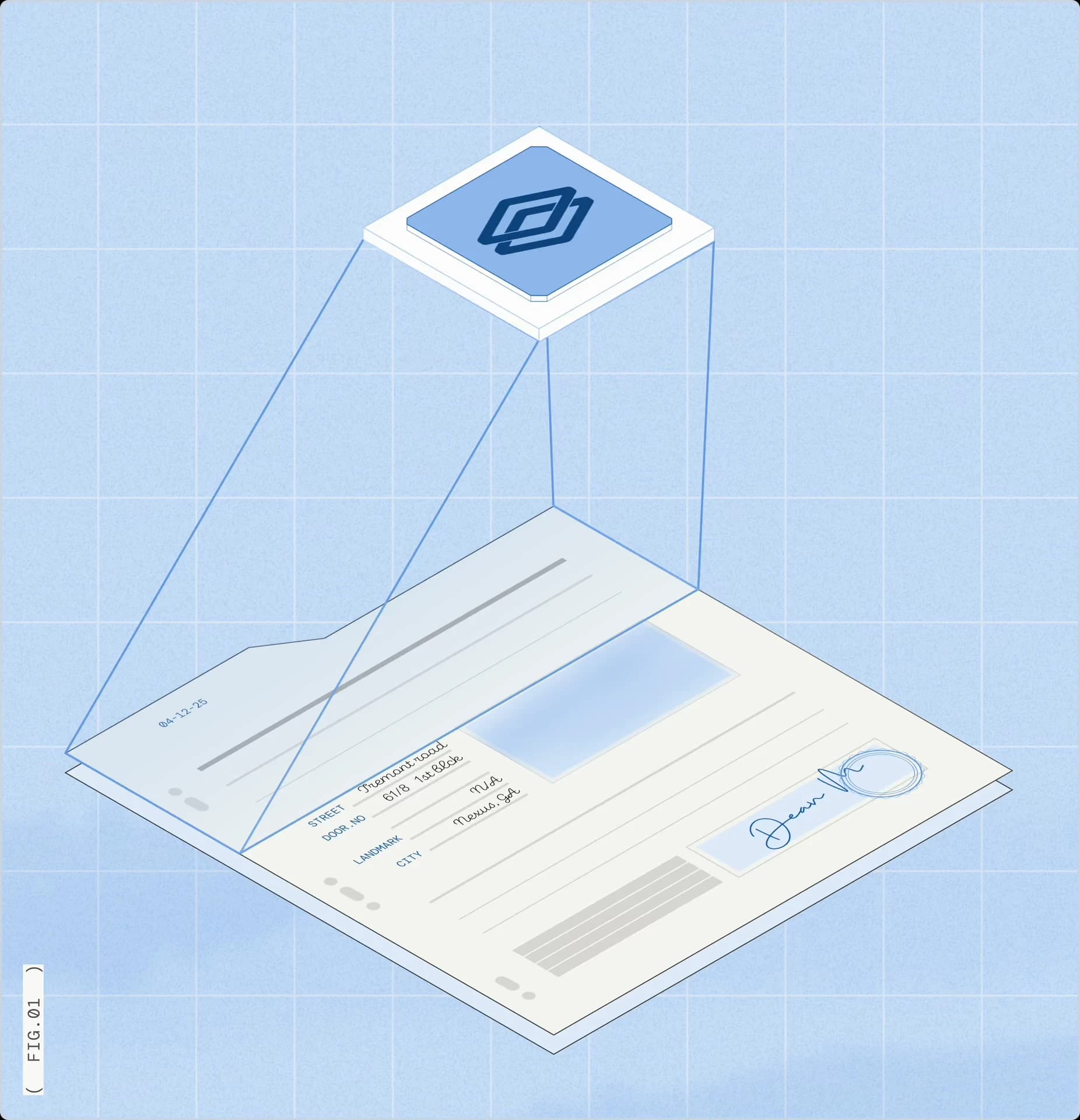
Advanced layout model detects tables, checkboxes, images, handwriting, and signatures on every page.
Specialized vision models
A hybrid computer vision + vision-language model pipeline routes each element to purpose-built models.
Multiple performance modes
Toggle between performance modes optimized for speed, cost, or accuracy.
Handle every file
35+ file types, 100+ languages, and 4 chunking strategies — all through one API.
Benchmarks
RealDoc-Bench
95.7%Field-level document Q&A accuracy, Performance Parse
1,359 Q&A prompts across 581 real documents in four regulated industries.
RealDoc-Bench
90.5%Per-field accuracy, Light Parse at $0.005 per page
The most accurate parser with no agentic configuration enabled.
OpenBenchmarks
Third-party benchmark
93.1%Downstream answer accuracy on redlined contracts, ranked #1
Independent benchmark: 1,500 questions on 94 contracts from RedlineBench, parsed with Performance Parse. Results updated October 25, 2026.
How to get started
Create an account
Sign up at dashboard.extend.ai. New accounts get 10,000 free credits.
Copy an API key from the Developers page and export it as EXTEND_API_KEY.
Choose how to call Parse
Studio: try Parse in the browser with no code.
MCP: connect Claude, Cursor, or any MCP client to https://mcp.extend.ai/mcp.
CLI: install with curl -fsSL https://extend.ai/install.sh | sh, then run extend setup.
SDKs: pip install extend-ai or npm install extend-ai; Java and Go SDKs are also available.
Process your first document
Send a file URL and get back markdown chunks and blocks for every page.
curl -X POST https://api.extend.ai/parse \ -H "Authorization: Bearer $EXTEND_API_KEY" \ -H "x-extend-api-version: 2026-02-09" \ -H "Content-Type: application/json" \ -d '{ "file": { "url": "https://extend-public-files.s3.us-east-2.amazonaws.com/bank_statement_example.pdf" } }'Move to production
Send production traffic to POST /parse_runs; the synchronous POST /parse times out after 5 minutes.
Use cases
- Brex case study
Receipts & expenses
Read merchants, line items, and totals from receipts, including phone photos.
- Financial services
Loan packets & tax forms
Turn bank statements, W-2s, and 1099s into layout-aware markdown for downstream agents.
- Logistics
Invoices across vendor layouts
Keep tables and totals intact when every vendor formats invoices differently.
- Healthcare
Medical records & EOBs
Parse claims, EOBs, and charts with dense tables and checkboxes into clean blocks.
- Parse 2.0 launch post
RAG ingestion
Section-level chunks with bounding boxes feed retrieval and page citations.
- RealDoc-Bench report
Handwritten & scanned forms
Vision models read handwriting and low-quality scans without losing the form's structure.