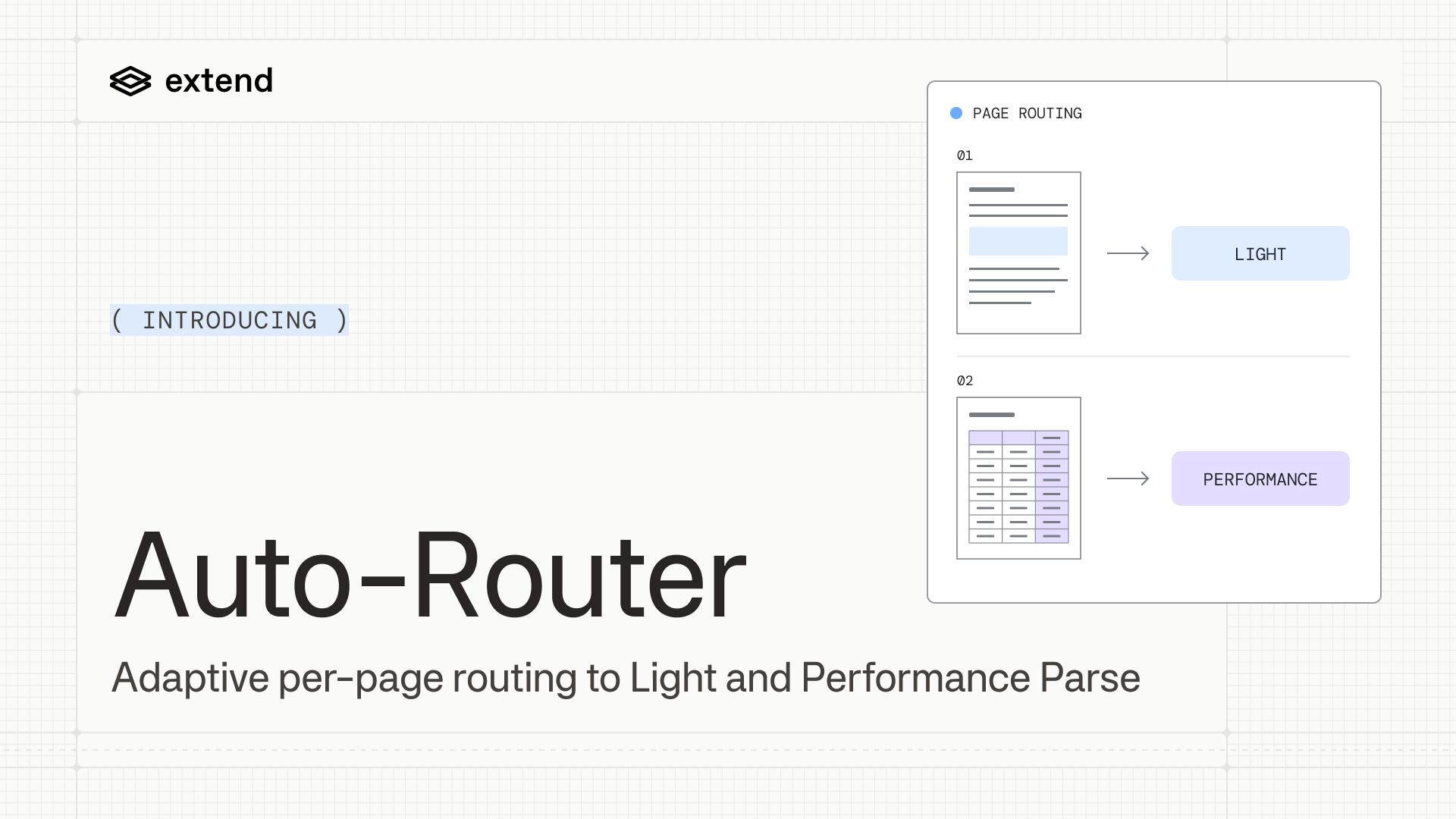
Parse Auto-Router evaluates each page in a document and routes it through Light Parse or Performance Parse based on page-level signals. This gives teams one configuration for mixed-complexity workloads, with page-level pricing based on the processing selected.
TL;DR
- Auto-Router routes lower-complexity pages to Light Parse and pages that require more advanced processing to Performance Parse.
- Each Light page costs 0.5 credits, and each Performance page costs 2 credits.
- On RealDoc-Bench, Auto-Router achieved 89.09% per-question Q&A accuracy, between 82.7% for Light Parse and 90.9% for Performance Parse, while using fewer credits than processing every page with Performance Parse.
- Best suited for high-volume workloads with mixed page complexity, including mortgage packets, healthcare records, and legal packets with attached exhibits.
The problem Auto-Router solves
A mortgage packet can contain signatures, dense amortization tables with nested rows and merged cells, simple disclosure paragraphs, and a scanned fax of a tax form, rotated ten degrees and half-legible. Each page requires a different amount of processing.
Light Parse prioritizes speed and cost, while Performance Parse is better suited to lower-quality scans, difficult handwriting, large tables, and dense form regions. Applying Performance Parse to every page, however, adds cost and latency to straightforward pages that Light Parse can handle.
Teams often compensate by classifying documents before parsing, maintaining multiple parser configurations, and building routing rules. This gives developers control, but every new variation adds another path to evaluate, deploy, monitor, and maintain.
Auto-Router manages page-level routing for developers, helping them balance parsing quality, cost, and latency without maintaining routing logic themselves.
How Auto-Router works
- Evaluate each page. Auto-Router uses signals such as page layout, text reliability, table structure, form fields, and checkboxes to estimate the processing required.
- Choose the processing paths. It selects the appropriate OCR, table, and form-processing models based on those signals.
- Return one output. Pages processed through different paths are assembled into a single document output with consistent Markdown and structured blocks.
Page-level pricing
Auto-Router bills each page at either the Light or Performance rate:
- Light: 0.5 credits per page.
- Performance: 2 credits per page.
Each run's usage.breakdown shows how many pages, and which pages, were billed at each rate. See how credits work for the full rate table and pricing for your plan's per-credit cost.
Auto-Router performance on RealDoc-Bench
RealDoc-Bench is an open-source parsing benchmark that evaluates performance on real-world documents. Its Q&A evaluation measures how accurately a model answers questions using parsed document output, testing whether the parser preserves information needed for downstream tasks.
On RealDoc-Bench, Auto-Router achieved 89.09% per-question Q&A accuracy. This falls between 82.7% for Light Parse and 90.9% for Performance Parse, while consuming fewer credits than processing every page with Performance Parse.
These results show how adaptive processing can close much of the accuracy gap between Light and Performance. The balance depends on the complexity of your documents and your accuracy requirements. Evaluate Auto-Router on your own documents to choose the right configuration for your workload.
What use cases is Auto-Router a fit for?
Auto-Router is a good fit for high-volume, mixed-complexity workloads where teams cannot predict page difficulty in advance or do not want to maintain their own routing logic:
- Financial statements and transaction documents with narrative text, dense tables, and scanned attachments.
- Mortgage and insurance packets that combine generated PDFs, forms, checkboxes, signatures, and supporting documents.
- Healthcare records that contain typed pages, scans, handwriting, forms, and mixed layouts.
- Contracts and legal documents with long tables, signature pages, and exhibits.
- Back-office workflows where new document variations make fixed routing rules expensive to maintain.
If accuracy matters most across your workload, Performance Parse remains the recommended choice.
Get started today
Auto-Router is available through the dashboard and API. Set config.engine to parse_auto:
{
  "file": {
    "url": "https://example.com/mortgage-packet.pdf"
  },
  "config": {
    "engine": "parse_auto"
  }
}
Replace the example URL with your document's URL. Use the synchronous POST /parse endpoint for onboarding and testing. For production workloads, use asynchronous POST /parse_runs with polling or webhooks.
Try Auto-Router or read the parsing configuration docs.