Long gone are the days of manually sorting every document that lands in your inbox. The problem is, not every document categorization tool behaves the same way. Some demand weeks of setup, others fall apart when faced with a messy scan, and only a few live up to claims about speed and accuracy. In our latest review, we put a wide range of document classification tools to the test using real-world files to see which ones can keep up with complex enterprise workflows. Our goal was to understand how these tools handle unpredictable formats, varied daily workloads, and the constant pressure teams face when large volumes of information move through their systems.
TLDR:
- AI document classification sorts files into categories like invoices or contracts in seconds
- Top tools achieve 90–99% accuracy, with setup times ranging from days to months
- The newest LLM-powered platforms can reach 99%+ accuracy within days using advanced parsing and auto-optimization
- Organizations cut operating costs up to 30% while improving processing speeds nearly 50%
- Modern solutions now offer enterprise-grade classification without the long, complex implementation timeline
What Is Document Classification?
Document classification automatically sorts documents into predefined categories based on content, structure, and metadata. Instead of manually reviewing each file, AI algorithms analyze documents and assign categories like invoice, contract, receipt, or ID card in seconds.
At enterprise scale, this becomes critical when processing thousands or millions of documents. AI-powered classification uses machine learning and computer vision to identify patterns in text layout, formatting, and data fields that indicate document type.
The tech analyzes multiple signals simultaneously. Invoices contain line items, tax fields, and vendor information in specific layouts. Contracts include signature blocks and legal language. Driver's licenses display photos and standardized formatting. AI models learn these distinguishing features to route documents correctly.
Once classified, documents trigger appropriate downstream workflows. Invoices route to accounts payable, contracts move to legal review, and receipts flow into expense management systems. This automated sorting eliminates manual triage and applies the correct extraction logic and business rules to each document type.
How We Ranked Document Classification Tools
We assessed each document classification tool against criteria that matter when deploying at enterprise scale. Accuracy topped our list because misclassified documents create downstream errors that compound across workflows. Processing speed came next, as organizations handling millions of files need real-time or near-real-time categorization.
Integration capabilities determined how easily each solution connects to existing tech stacks through APIs, SDKs, and pre-built connectors. Setup complexity measured the time from initial implementation to production-ready performance, including training requirements and configuration overhead.
Pricing transparency factored into our assessment because document management system investments represent budget allocations. We focus on vendors offering clear pricing models over those requiring lengthy sales cycles to identify costs.
We tested each tool with real-world document samples including poor-quality scans, multi-page files, and edge cases that typically challenge classification systems.
Extend
Extend is the complete document processing toolkit that has the most accurate parsing, extraction, and splitting APIs to ship your hardest use cases in minutes, not months. Extend's suite of models, infrastructure, and tooling is the most powerful custom document solution, without any of the overhead.
We excel at document classification through LLM-powered parsing that understands complex layouts, messy scans, and unstructured content that standard OCR misses. The system automatically categorizes documents while providing confidence scores for each classification decision, flagging uncertain cases for human review when needed.
Our Composer AI agent automatically optimizes classification logic by learning from your documents, achieving 99%+ accuracy within minutes instead of weeks of manual configuration. Organizations processing mission-critical documents choose Extend because we deliver near-human accuracy at enterprise scale.
ABBYY Vantage
ABBYY Vantage is a no-code, cloud-first intelligent document processing solution for structured and unstructured documents. The system provides out-of-the-box integrations with automation systems and offers access to pre-configured modules through ABBYY Marketplace, which contains around 150 document-related models delivered as Vantage Skills that you can train on your data.
What They Offer
- OCR tech with machine learning-based classification capabilities for common document types like invoices and contracts
- Integration with RPA systems including UiPath and Blue Prism
- Human-in-the-loop validation workflows for exception handling
Limitation: Document training features where you submit multiple documents of the same type and correct them a few times to automatically read similar documents perfectly can be inconsistent in some projects and may still require tuning to achieve reliable performance.
Bottom line: Long-running OCR vendor with extensive marketplace but requires configuration effort for optimal results.
Hyperscience
Hyperscience's Intelligent Document Processing solution automates extraction and processing of data from various document types. Automated document classification identifies and sorts incoming documents by type, routing them to appropriate processing workflows.
What They Offer
- Machine learning-based handwriting recognition for complex forms
- Automated classification and routing workflows with validation
- Integration capabilities with ERP, CRM, and ECM systems
- Human-in-the-loop review interface for exception handling
Hyperscience deployments can stretch into months when handling multiple document types or building custom integrations, driving up internal costs. Strong for structured documents but requires extensive setup time and template configuration for deployment.
Klippa DocHorizon
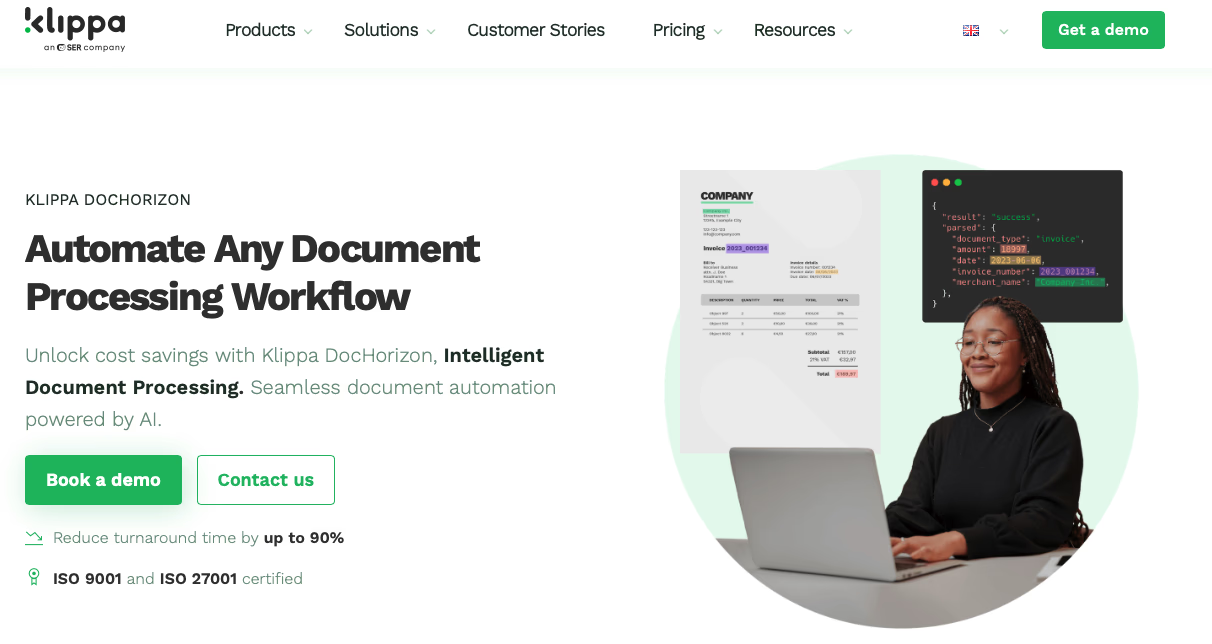
Klippa DocHorizon is an Intelligent Document Processing system that classifies documents using AI algorithms and automates archiving through customizable rules.
What They Offer
- Real-time classification in under 5 seconds
- OCR-powered data extraction with fraud detection
- Low-code workflow builder with drag-and-drop interface
- GDPR-compliant processing with European server locations
Limitation: The system handles receipts, invoices, bank statements, passports, ID cards, driving licenses, and price tags most effectively. Other document types need custom support.
Bottom line: Fast processing for common document types but limited out-of-the-box support for specialized business documents.
Why Extend Is the Best Document Classification Tool
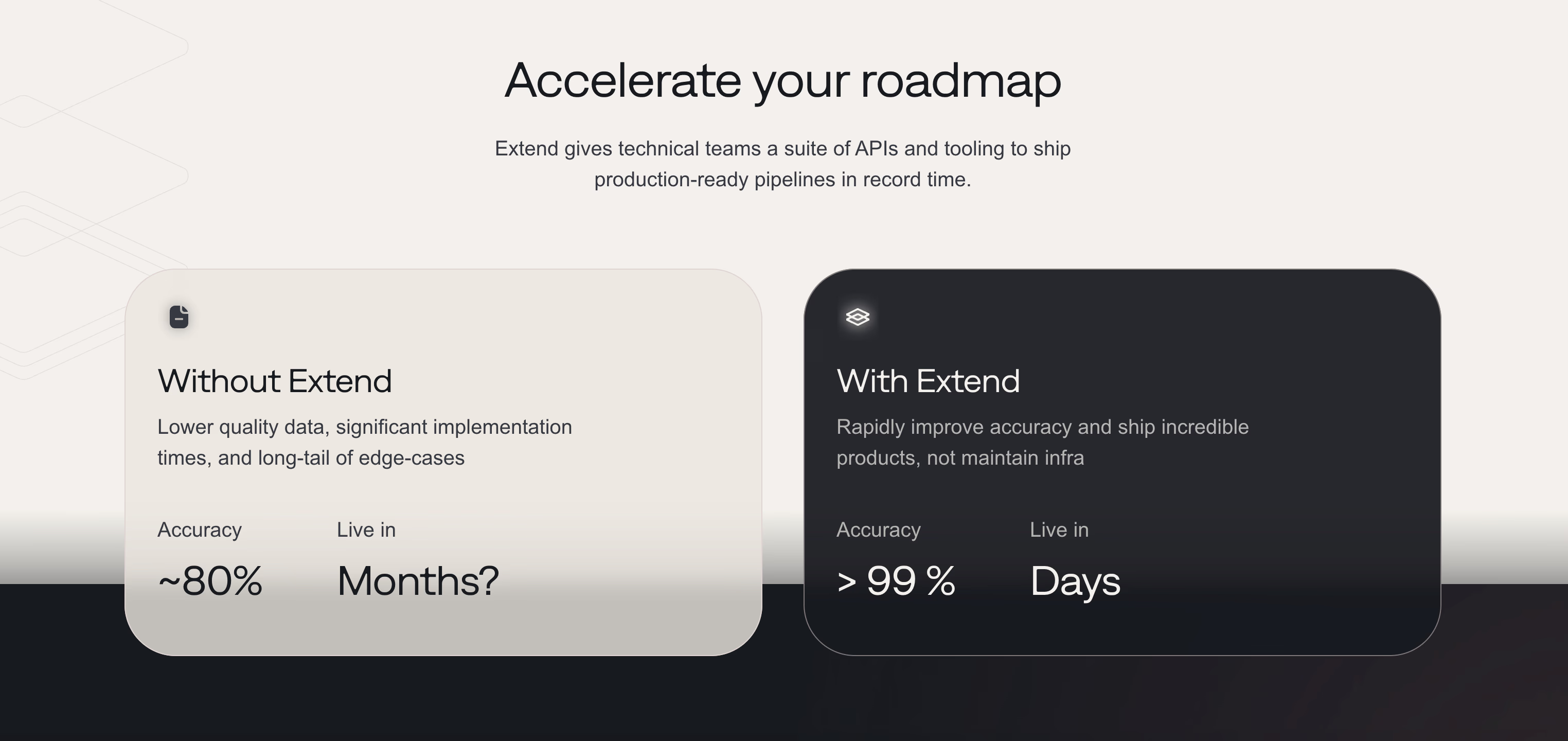
Extend eliminates the configuration overhead that delays traditional solutions. While ABBYY requires weeks of marketplace skill training and Hyperscience demands months of template setup, our LLM-powered approach reaches production accuracy in days.
Organizations implementing document management solutions see operating costs drop up to 30% while processing times improve nearly 50%. Our Composer AI agent automatically optimizes classification logic without manual tuning cycles.
Our architecture handles edge cases that break template-based systems. Messy scans, unusual layouts, and document variations that require custom development elsewhere work immediately. You get enterprise-grade classification accuracy without the enterprise-scale implementation timeline.
By removing the usual setup hurdles, Extend gives teams a practical path to real results without long delays or constant rework. Its approach allows users to bring in new document types with far less friction, even when those files contain irregular structures or shifting layouts. This flexibility in Extend’s system supports rapid adoption inside growing organizations that need a system able to keep pace with changing demands. Because Extend adjusts quickly to new patterns, teams can roll out automation across departments without lengthy planning cycles.
The result is a tool that supports ongoing expansion while keeping document processing predictable and manageable for teams.
FAQs
What accuracy rate should I expect from document classification tools?
Modern AI-powered classification tools typically deliver 85–95% accuracy, though the best solutions reach 99%+ on complex documents. Accuracy depends on document quality, variety, and whether the system uses advanced LLM parsing versus traditional OCR approaches.
How long does it take to deploy a document classification system?
Deployment timelines vary considerably by solution. Template-based systems may require weeks to months of configuration and training, while LLM-powered approaches can reach production-ready accuracy in days with minimal manual setup.
When should I use confidence scoring in document classification?
Confidence scoring becomes critical when processing mission-critical documents where errors have serious downstream consequences. The system flags low-confidence classifications for human review, letting you maintain quality control while automating the majority of straightforward cases.
Can document classification tools handle poor-quality scans and unusual layouts?
Advanced classification systems using multimodal AI and LLM parsing can process messy scans, handwriting, and non-standard layouts that break traditional OCR. Template-based solutions typically struggle with document variations and require custom development for edge cases.
What's the difference between OCR-based and LLM-powered document classification?
OCR-based classification relies on text recognition and pattern matching against predefined templates, requiring extensive configuration for each document type. LLM-powered classification understands document context and structure like a human would, handling variations and edge cases without manual template creation.
Final thoughts on document categorization systems
Document classification tools deliver the most value when the system adjusts to the wide range of formats, layouts, and imperfections that appear across real-world files, instead of forcing teams to redesign their workflows around rigid templates. Long setup cycles and heavy configuration often drain momentum and delay the gains organizations hope to see from automation. That’s why Extend was built to reach production-level accuracy in days, handling messy scans, complex structures, and unpredictable inputs that typically cause other tools to struggle.