Processing mixed document types at scale requires knowing what each file is before you try extracting data from it. A PDF classifier API identifies document types automatically, routing invoices to invoice extractors and contracts to contract parsers. Without accurate classification at the entry point, your extraction systems apply the wrong schemas, which produces incorrect output that requires manual review. When you're handling thousands of documents daily, classification accuracy directly determines whether automation delivers cost savings or creates bottlenecks that slow down your entire operation.
TLDR:
- PDF classification APIs identify document types before extraction, routing invoices, contracts, and forms to correct processing pipelines.
- OCR accuracy directly impacts classification success—98% OCR vs 80% means 20 manual reviews per 1,000 docs instead of 200.
- Vision-based classifiers handle edge cases like handwriting and poor scans better than rule-based or ML approaches.
- Production workflows require 95%+ accuracy to avoid review bottlenecks that overwhelm operations teams.
- Extend combines vision-based classification with parsing and extraction APIs to deliver production-grade document processing.
What Is PDF Classification and Why It Matters
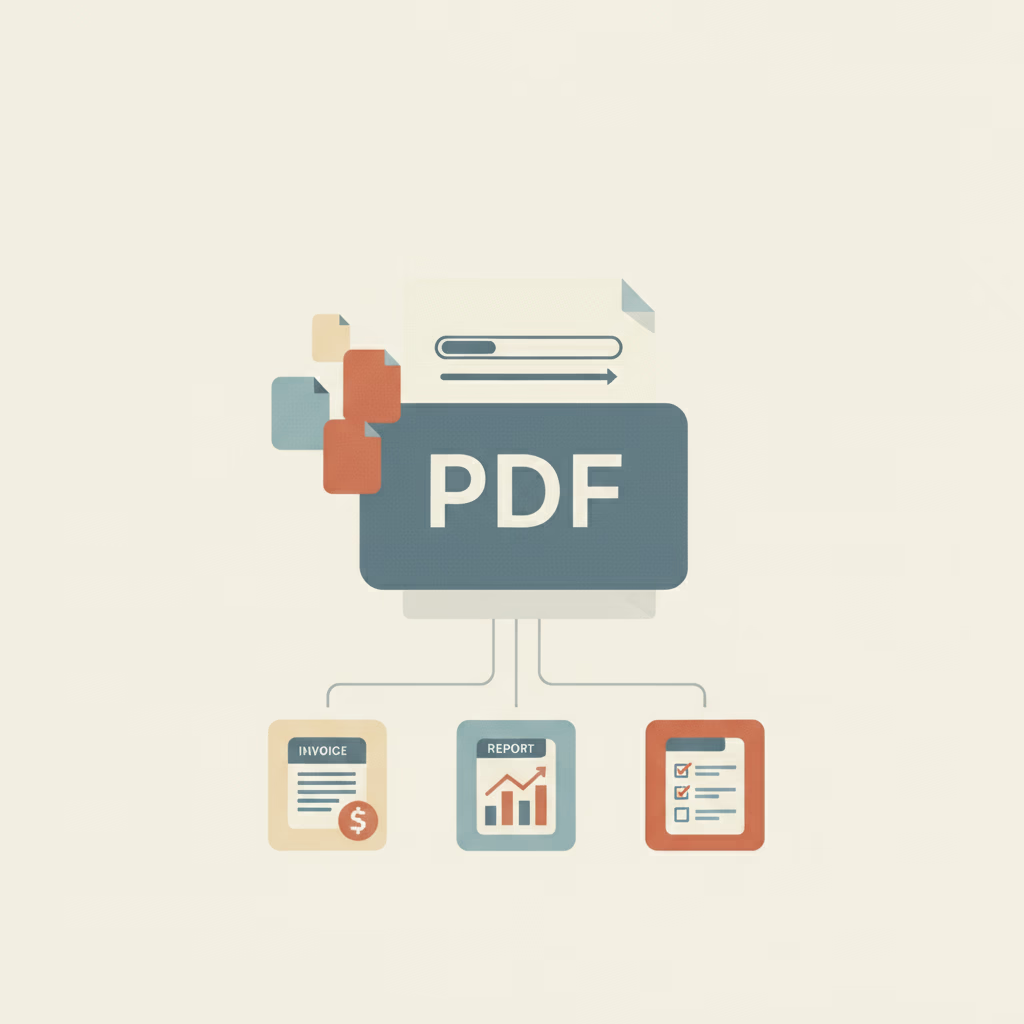
PDF classification is the automated process of identifying document types within incoming files. When a PDF enters a processing system, classification determines whether it's an invoice, contract, receipt, medical form, or any other category before routing it to the appropriate extraction or workflow pipeline.
This step matters because different document types require different handling. An invoice needs line item extraction, while a contract requires clause identification. Misclassifying an invoice as a receipt sends it down the wrong pipeline, resulting in failed extractions, manual corrections, and processing delays.
Classification accuracy directly impacts everything downstream. Get the document type wrong at the start, and even the best extraction API will fail. For organizations processing thousands of mixed documents daily, accurate classification at the entry point determines whether automation succeeds or collapses into manual review queues.
How OCR Powers PDF Document Classification
OCR converts pixels into text. For scanned PDFs or image-based documents, the content is locked in a visual format that classification algorithms can't read directly. OCR engines analyze the visual patterns, recognize characters, and output machine-readable text that becomes the input for classification models.
Classification models analyze the extracted text for patterns that signal document type. Invoices typically contain vendor names, line item tables, and payment terms. Contracts include legal clauses and signature blocks. The classifier scans the OCR output for these structural markers, keyword combinations, and layout features that differentiate one document type from another.
This dependency means OCR acts as a bottleneck. You can build sophisticated classification models, but if the OCR layer can't accurately read handwriting, low-quality scans, or complex layouts, the classifier receives corrupted input and accuracy collapses.
Types of PDF Classification Methods
Three main approaches handle PDF classification, each with different tradeoffs between accuracy, flexibility, and setup complexity.
| Method | How It Works | Strengths | Limitations | Best For |
|---|---|---|---|---|
| Rule-Based | Matches fixed keywords or layout markers (e.g., "Invoice Number") | No training needed; fast and inexpensive; reliable for constant formats | Breaks with layout changes; manual upkeep; struggles when multiple document types share similar keywords | Standardized forms with minimal variation |
| Machine Learning | Learns patterns from labeled documents | Handles variation better than rules; distinguishes between similar doc types | Requires large labeled datasets; retraining needed; sensitive to template drift | Teams with labeled data and moderate variation |
| AI/Vision-Based | Uses vision models and LLMs to analyze both visual layout and text content | High accuracy on varied documents; minimal training; strong on edge cases | Higher cost and latency than rules | Highly variable documents; poor scans; workflows needing 95%+ accuracy |
Key Features to Evaluate in a PDF Classification API
When evaluating classification APIs, start by testing supported document types against your actual files. Request vendor benchmarks on precision and recall for each category you need. Precision measures how often the predicted type is correct, while recall tracks how many documents of each type get correctly identified.
Processing speed matters for real-time workflows. AI-powered document classification can reduce processing time by up to 90%, but performance varies by provider. Evaluate throughput in documents per second and average classification latency, and confirm whether the API supports true batch processing or requires files to be submitted individually.
Confidence scoring separates high-certainty classifications from edge cases. APIs should return confidence values that allow you to automatically route low-confidence documents to human review. Test how confidence correlates with actual accuracy on your documents.
Multi-language support varies significantly across vendors. Verify the API handles all languages in your document set without requiring separate models or endpoints.
Integration options include REST APIs, SDKs in your tech stack, and webhook support for asynchronous processing. Check authentication methods, rate limits, and whether the vendor offers dedicated infrastructure for enterprise volumes.
Accuracy Benchmarks for OCR and Classification Systems
Google Vision OCR achieves approximately 98% accuracy on mixed datasets including printed, media, and handwritten documents. Pytesseract, the open-source standard, typically reaches around 80% accuracy on real-world documents. These benchmarks set market expectations, but the gap between 80% and 98% accuracy translates to massive operational differences.
At 80% accuracy, 1 in 5 documents contains errors requiring manual review. Processing 1,000 invoices daily means 200 need human correction. At 98% accuracy, only 20 documents require intervention. This difference determines whether automation delivers cost savings or creates review bottlenecks that overwhelm operations teams.
Accuracy varies sharply by document condition. Clean, printed PDFs hit the upper accuracy range. Handwritten forms, faded scans, and skewed images drop performance 10-20 percentage points. OCR accuracy on structured text varies across providers and document types, making pre-production testing on real documents critical.
Production workflows targeting minimal human review require 95%+ accuracy. Below this threshold, review queues grow faster than staff can process them. Pytesseract's OCR limitations on complex documents explain why teams replace it with commercial APIs when accuracy becomes business-critical.
Building Classification Workflows for Complex Document Types
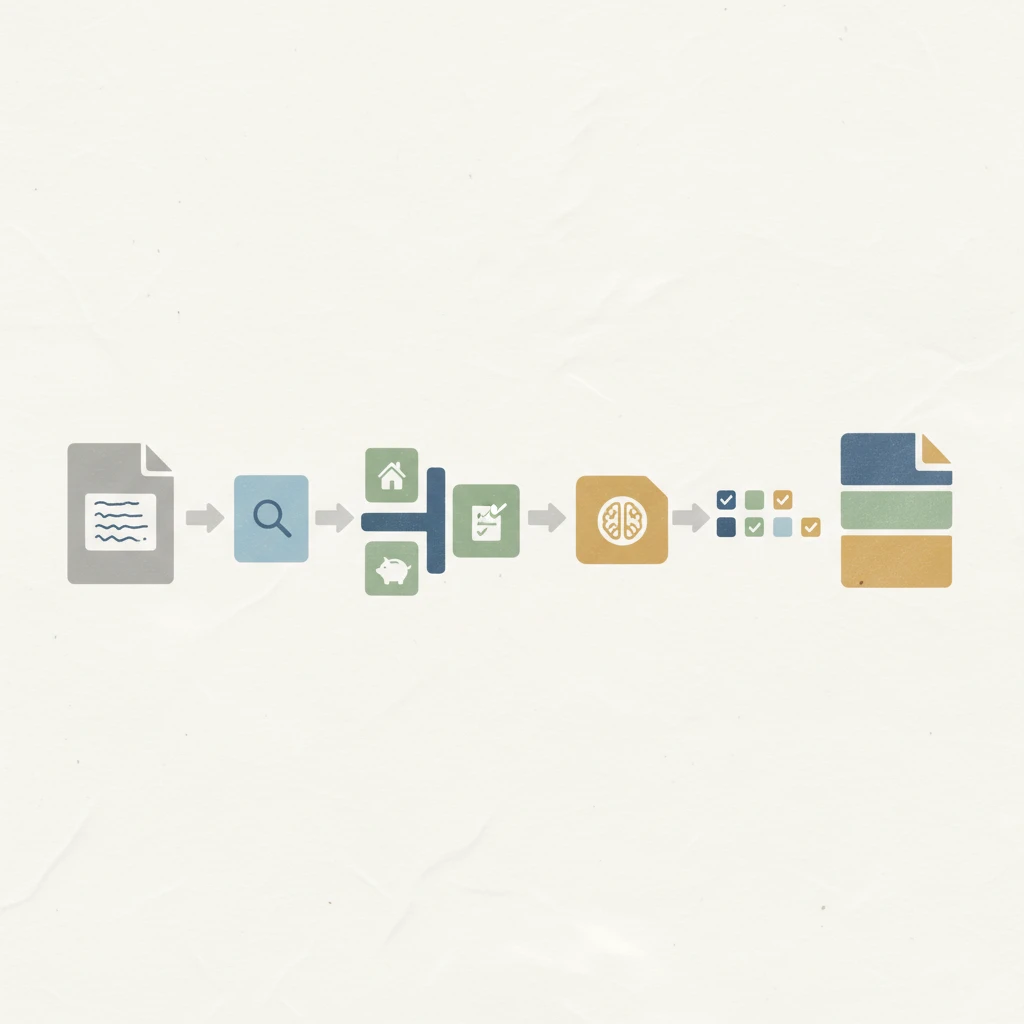
Complex documents require multi-stage classification logic. Loan application packages arrive as single PDFs containing tax returns, bank statements, and employment letters. The workflow first splits the package into individual documents, then classifies each section separately.
Cascading classification handles documents where type depends on content values. A form might be classified broadly as "insurance claim" initially, then sub-classified as "auto," "property," or "health" based on extracted policy type fields. This two-pass approach runs fast classification first, extracts key fields, then applies conditional logic for final routing.
Confidence thresholds create branching workflows. Documents scoring above 0.95 confidence proceed directly to extraction. Scores between 0.7 and 0.95 trigger secondary validation using vision models or alternate classifiers. Anything below 0.7 routes to human review before processing continues.
Hierarchical classification taxonomies organize document types into parent-child relationships. Financial documents split into invoices, receipts, and statements. Each category subdivides further: invoices become utility bills, vendor invoices, or customer invoices. The classifier predicts at multiple taxonomy levels, enabling flexible routing based on business rules at any hierarchy depth.
Extend's Vision-Based Classification for Production-Grade Accuracy
Extend's classification API uses vision-based memory systems that learn from few examples, achieving high accuracy on document variants without requiring thousands of labeled training samples. The vision models analyze layout structure and visual patterns directly, classifying documents even when OCR quality degrades.
Classification integrates directly with Extend's parsing and extraction APIs. After identifying document type, the same workflow routes files to the appropriate extraction schema, splits multi-document PDFs, and applies confidence scoring to flag edge cases for review.
Extend is the complete document processing toolkit comprised of the most accurate parsing, extraction, and splitting APIs to ship your hardest use cases in minutes, not months.
Final Thoughts on Document Classification in Production Workflows
Your classification API choice impacts every downstream process in your document automation stack. Classification accuracy below 95% creates review bottlenecks that scale faster than your teams can handle. Vision-based models handle document variants and poor image quality better than rule-based systems, but testing against your real files matters more than vendor benchmarks.
Start by automating your highest-volume document types where accuracy gains deliver immediate operational impact. By 2026, 60% of back-office roles in large enterprises will be assisted by AI-driven document automation tools, with 75% of enterprise workflows expected to include embedded AI copilots by 2028.
FAQ
How does OCR accuracy impact classification performance?
OCR acts as the foundation for text-based classification—if OCR misreads key identifiers like "Invoice Number" or "Bill To," the classifier loses the signals it needs to determine document type. At 80% OCR accuracy, classification errors multiply downstream, while 98% accuracy keeps classification reliable enough for production automation.
What's the difference between rule-based and AI-powered classification?
Rule-based classification searches for specific keywords and patterns, working well for standardized documents but breaking down with format variations. AI-powered classification uses vision models and LLMs to understand document structure and content like humans do, handling edge cases and layout variations without requiring extensive training data.
What accuracy threshold makes PDF classification viable for production automation?
Production workflows require 95%+ classification accuracy to avoid review bottlenecks. Below this threshold, manual review queues grow faster than teams can process them—at 80% accuracy, 200 out of 1,000 documents need human intervention versus only 20 at 98% accuracy.
Can a single PDF contain multiple document types that need classification?
Yes, batch-scanned PDFs often combine multiple documents into one file—a 50-page PDF might contain invoices, receipts, and contracts. This requires splitting logic before classification to detect document boundaries, then classifying each separated document individually before routing to the appropriate extraction pipeline.
What confidence score threshold should trigger human review?
Documents scoring above 0.95 confidence typically proceed directly to extraction, while scores between 0.7 and 0.95 should trigger secondary validation using alternate classifiers or vision models. Anything below 0.7 confidence should route to human review before continuing through the processing pipeline.